How to Enable, Where They Go, Etc.

Up until now, if you wanted to take a screenshot during a FaceTime call, you had to rely on screenshots and third-party apps. But finally, Apple listened to our requests and added the option to take live photos in Facetime calls. In this article, we will show you how to enable FaceTime live photos on Mac and iPhone, how to take a Live Photo during a FaceTime call, and answer some frequently asked questions.
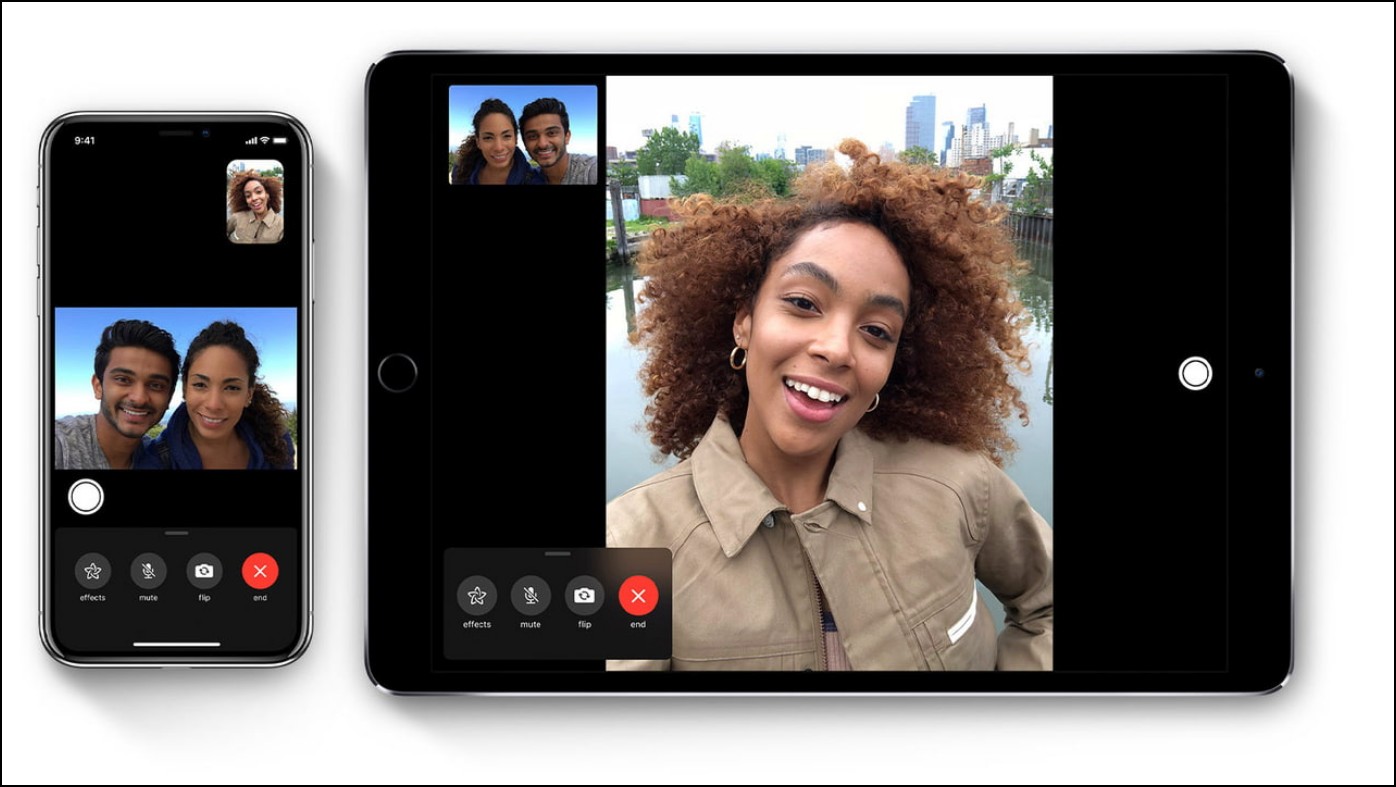
FaceTime Live Photo on Mac and iPhone

What is FaceTime Live Photo?

Let’s refresh your memory on what live photos are first. Live photos let you record 1.5 seconds of video before and after you take the picture. On FaceTime, it allows you to capture Live photos during a one-on-one or group FaceTime video call.

FaceTime Live Photos was previously removed in iOS 12.1.1. due to privacy-related issues and bugs, it has been recently re-introduced. It is available on macOS 10.15 or later,

Read more

8 Best Photo Editing Tips for Google Pixel 7 Series

Clicking the picture is merely the first half of creating a good image, whilst the other half is all about great editing that transforms a normal image into a stunning one. In this article, we will cover some extraordinary excellent photo editing features of the Pixel 7 series that can add colors to your life and pictures as well. Meanwhile, you can also read the Google Pixel 7 Pro QnA Review.

Best Photo Editing Tips For Google Pixel 7 & 7 Pro

Pixel 7 series comes up with some exclusive photo editing features. Read along as we discuss in detail the eight exciting photo editing features of the Pixel 7 series.

Photo Unblur

Let’s commence with the Photo Unblur feature. As the name suggests, it helps you to fix accidental motion blur that hampers the photo quality. The best part is that it works on any picture be it shot

Read more